01
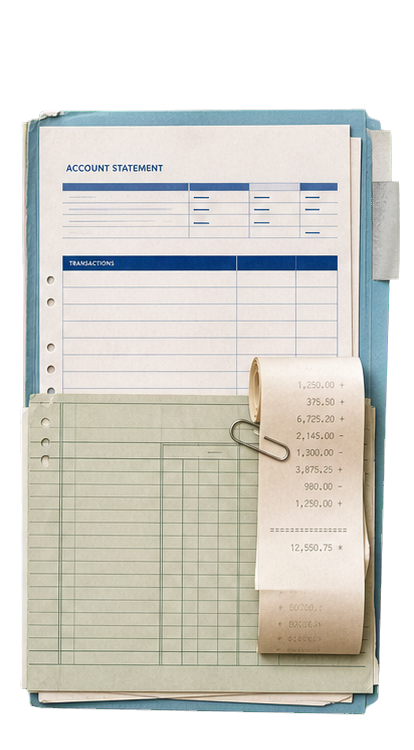
Choose the bank exports, ledger reports, and workpapers for the close.
Financial firms and operating teams
Boxwood compares the bank files, ledgers, and workpapers you choose, then produces a reviewer-ready exception packet with the source behind every finding. Files remain stored in your environment; the content needed for AI processing goes to your organization’s private Azure OpenAI deployment.
$995 per seat each year. Azure OpenAI usage is billed separately through your own Microsoft account.
A 90-minute workflow discovery and coaching session is recommended for most teams.
Start here
Turn recurring bank exports, ledgers, and workpapers into a short, source-linked list of items that need a reviewer.
Choose the bank exports, ledger reports, and workpapers for the close.
Flag missing, duplicate, unmatched, or inconsistent items.
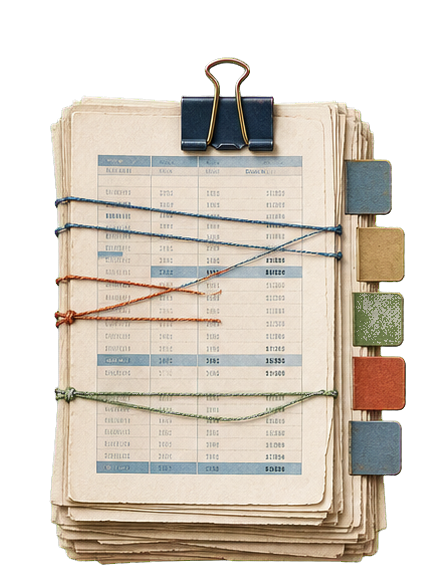
Give the reviewer an exception packet with the source behind every finding.
Proof demo
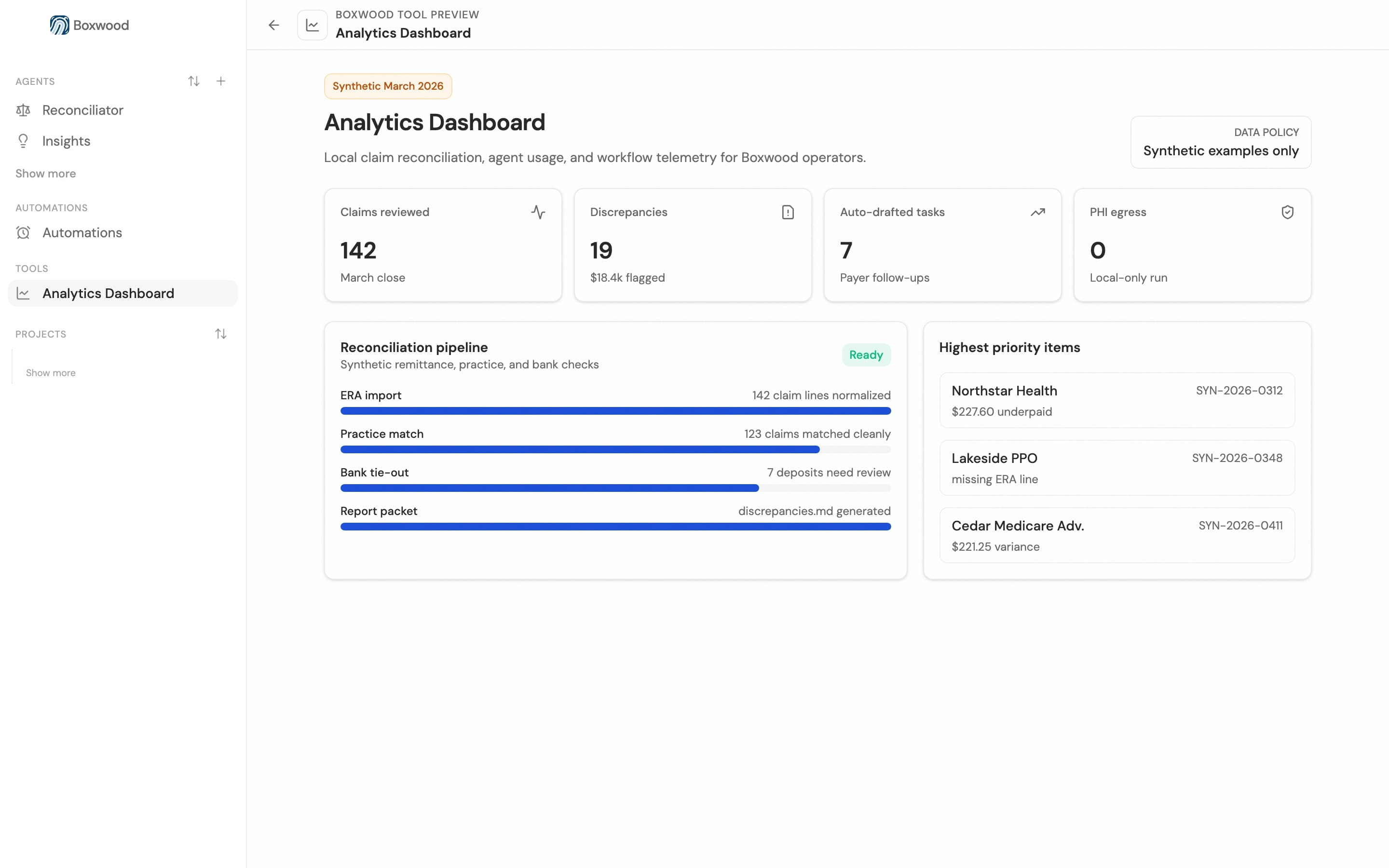
Boxwood compares the bank exports, ledgers, and workpapers you choose, then gives reviewers a short list of variances with the records behind each one.
Financial reconciliation should already be automated. Comparing bank files, ledger exports, and workpapers is repetitive. AI can do the comparison. The problem is the data. Confidential books and client records cannot be dropped into an ordinary AI tool. Legal, security, and compliance say no. Boxwood turns no into yes. Ledger works from the financial records you choose. Source files, artifacts, and work history stay in the local workbench. When AI is needed, approved inference context goes through your organization's Azure OpenAI account. Use Ledger to run repeatable checks across bank exports, ledgers, and workpapers. It flags variances and links each finding to its source, so you can inspect the evidence yourself. Financial work that ordinary AI could not be approved to handle can now be automated.
More than one workflow
Describe another job, choose the files and tools it can use, and run it. When the process works, save it so you or your team can use it again.
Compare bank files against ledger exports and isolate deposits, fees, transfers, and entries for review.
Turn spreadsheet noise into a short queue of source-backed review items.
Update recurring reports, calculate variances, and draft source-linked commentary for review.
How the workflow moves
Choose the bank exports, ledgers, and workpapers. Boxwood runs the repeatable checks and shows reviewers what needs attention.
Select the bank files, ledger exports, and workpapers for the check.
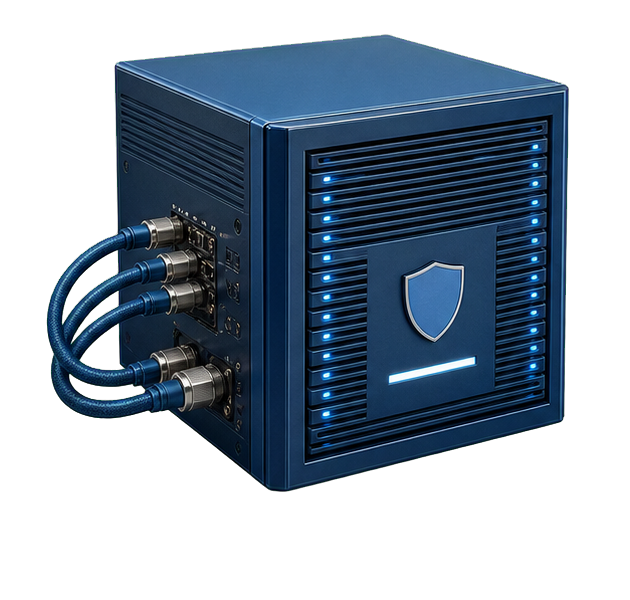
The AI sees only the information you choose for this job through your organization’s private Microsoft account.
The agent performs the repeatable comparison or review inside the workflow you defined.
The result returns to the workbench with the supporting records available to inspect.
Workflow coaching
Unless you already build agents yourself, the coaching is where much of the value comes from. We help you see which parts of the day can become repeatable Boxwood workflows.
Walk through how your team actually spends its day.
Find the repetitive work Boxwood can handle and your team can check.
Choose the best first workflow and set it up together.
For legal, IT, and compliance review
Boxwood keeps source files, results, and work history on your computer. When a task needs AI, it sends that task's content to the Azure OpenAI deployment your organization creates and controls. Microsoft bills you for it directly; Ironwood never needs your key.
How HIPAA compliance applies to an AI agent ->Source files, artifacts, credentials, and work history live in the local workbench on your machine.
When a step needs AI, its content goes to your organization's configured Azure OpenAI deployment. Not to a public chatbot, and not through our servers.
Results link to the file, row, or record they came from, so the person reviewing can open the evidence directly.
An agent can touch only the files and connectors you selected for that workflow.
Pilot inquiries
Research a case, review documents, compare records, update a spreadsheet, or build a reusable internal tool. We will run your example through Boxwood and show you the result, the source trail, and where the information went.